For accounting, reconciliation and analysis, you can view, filter and download your transactions right here in the app.
Receipts View
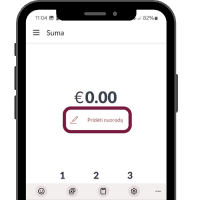
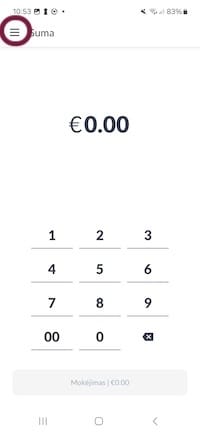
- Enter the main menu by tapping the button shown below.

- Enter the Receipts menu
- From here you may view, filter and search your transaction history according to receipts.
Activity View
To view and download your transactions by day or month
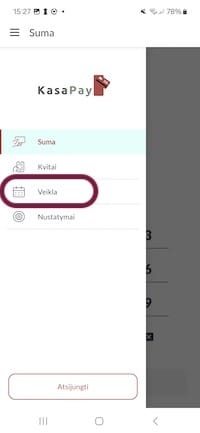
- Enter the main menu
- Tap the Activity button
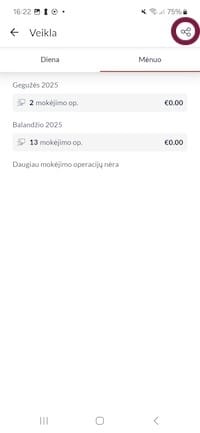
- Tap the Share icon in the top right corner
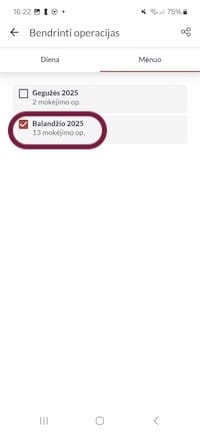
- Select one or more days or months
- Tap the Share icon in the top right corner once again
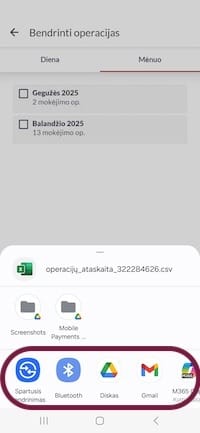
- Either save the report to your phone or share it directly to another destination such as by emailing it to yourself or saving it to a shared file storage location.